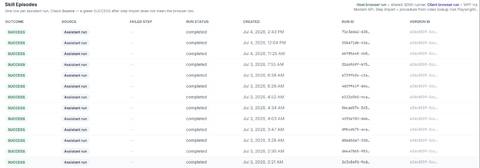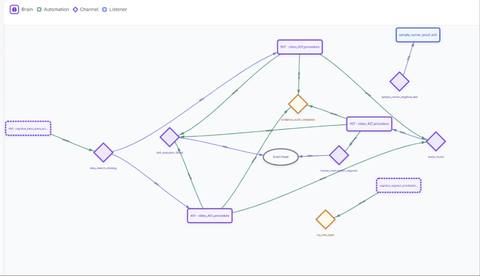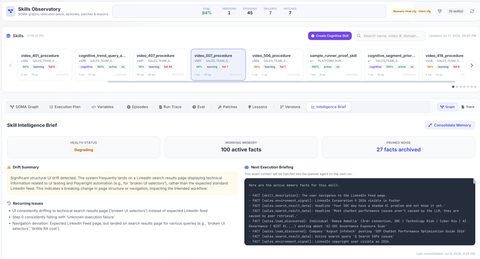
~60
Operator logins
About 60 people have access to the live Skill Engine today. These are operator accounts, not paying customers.
 The problems we exist to solve
Your people already showed how the work is done — on video, on a PDF, on a phone clip. SeekBytes turns that into a procedure a reviewer can approve, a Skill that can run inside agreed systems, and a proof record when automation says it finished. We do not replace your reviewer, your robots, or your cloud. We make the knowledge official and the “done” check independent. Deploy where the recordings are allowed to live.
 Ticket closed! Access still needs verification.
The helpdesk ticket is done. Identity still has to verify who can enter.
Read more
Do not treat every deviation as operator error or every approved document as current. Preserve why the accepted method changed and who approved it.
A plant quality lead watches an operator complete an inspection differently from the approved paper procedure.
Click to read more (opens in a new tab)
Ticket closed! Access still needs verification.
The helpdesk ticket is done. Identity still has to verify who can enter.
Read more
Do not treat every deviation as operator error or every approved document as current. Preserve why the accepted method changed and who approved it.
A plant quality lead watches an operator complete an inspection differently from the approved paper procedure.
Click to read more (opens in a new tab)
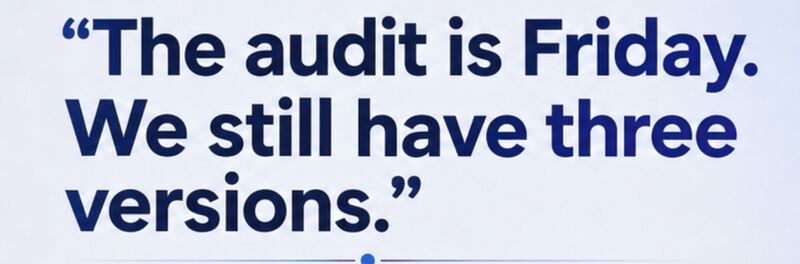 An audit-ready procedure needs an owner and an approval trail, not merely a recent filename. Preserve why one version was accepted and why the others were retired.
A quality manager opens the procedure requested by an auditor and finds three different versions.
Click to read more (opens in a new tab)
An audit-ready procedure needs an owner and an approval trail, not merely a recent filename. Preserve why one version was accepted and why the others were retired.
A quality manager opens the procedure requested by an auditor and finds three different versions.
Click to read more (opens in a new tab)
 Define completion from the business screen, not only from the automation log. Record the final state and evidence the reviewer must see before calling a run successful.
An automation lead and a customer reviewer open the same completed run and reach opposite conclusions.
Click to read more (opens in a new tab)
Define completion from the business screen, not only from the automation log. Record the final state and evidence the reviewer must see before calling a run successful.
An automation lead and a customer reviewer open the same completed run and reach opposite conclusions.
Click to read more (opens in a new tab)
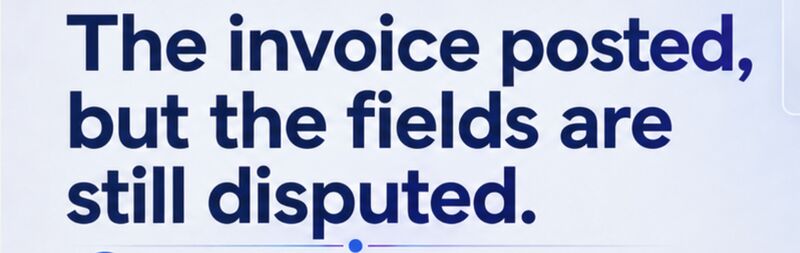 “Why does the invoice say one tax code while the ERP shows another?”
Extraction accuracy and posting accuracy are separate checks. Define which source fields must match which ERP fields before the exception reaches review.
Click to read more (opens in a new tab)
“Why does the invoice say one tax code while the ERP shows another?”
Extraction accuracy and posting accuracy are separate checks. Define which source fields must match which ERP fields before the exception reaches review.
Click to read more (opens in a new tab)
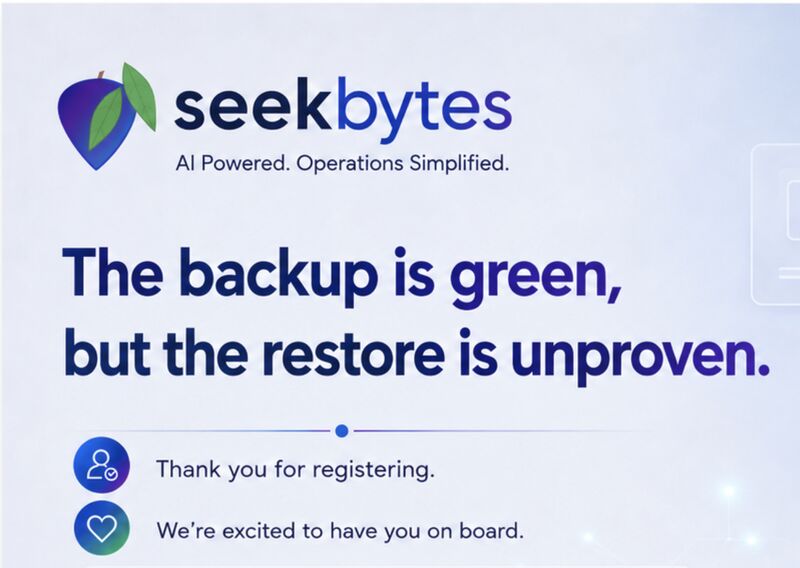 Define backup success and restore success separately. Before sign-off, name the required final state, acceptable evidence, and reviewer for the restore test.
The backup operator and recovery reviewer look at the same green status and reach different conclusions.
Click to read more (opens in a new tab)
Define backup success and restore success separately. Before sign-off, name the required final state, acceptable evidence, and reviewer for the restore test.
The backup operator and recovery reviewer look at the same green status and reach different conclusions.
Click to read more (opens in a new tab)
 Define “live” as observable final states across every channel, not merely a publishing status. Connect the expected price, acceptable evidence, and reviewer before the promotion launches.
How does a retail operations lead verify a promotion when the campaign system already says “live”?
Click to read more (opens in a new tab)
Define “live” as observable final states across every channel, not merely a publishing status. Connect the expected price, acceptable evidence, and reviewer before the promotion launches.
How does a retail operations lead verify a promotion when the campaign system already says “live”?
Click to read more (opens in a new tab)
 Do not document only that an exception was cleared. Capture how it was investigated, what justified the adjustment, and who approved the reusable procedure.
A finance-close lead opens last month’s ERP walkthrough before reviewing an intercompany exception.
Click to read more (opens in a new tab)
Do not document only that an exception was cleared. Capture how it was investigated, what justified the adjustment, and who approved the reusable procedure.
A finance-close lead opens last month’s ERP walkthrough before reviewing an intercompany exception.
Click to read more (opens in a new tab)
 Standardization does not mean pretending every site is identical. Keep valid local differences, but give each one a named owner and an explicit approval path.
A healthcare shared-services lead opens three Word procedures for the same patient-referral process.
Click to read more (opens in a new tab)
Standardization does not mean pretending every site is identical. Keep valid local differences, but give each one a named owner and an explicit approval path.
A healthcare shared-services lead opens three Word procedures for the same patient-referral process.
Click to read more (opens in a new tab)
 Define the outcome, acceptable evidence, and human reviewer before the next demo. Otherwise every buyer question becomes a fresh forensic exercise.
An AI-agent founder finishes a browser-work demo and hears the buyer ask whether the work actually finished.
Click to read more (opens in a new tab)
Define the outcome, acceptable evidence, and human reviewer before the next demo. Otherwise every buyer question becomes a fresh forensic exercise.
An AI-agent founder finishes a browser-work demo and hears the buyer ask whether the work actually finished.
Click to read more (opens in a new tab)
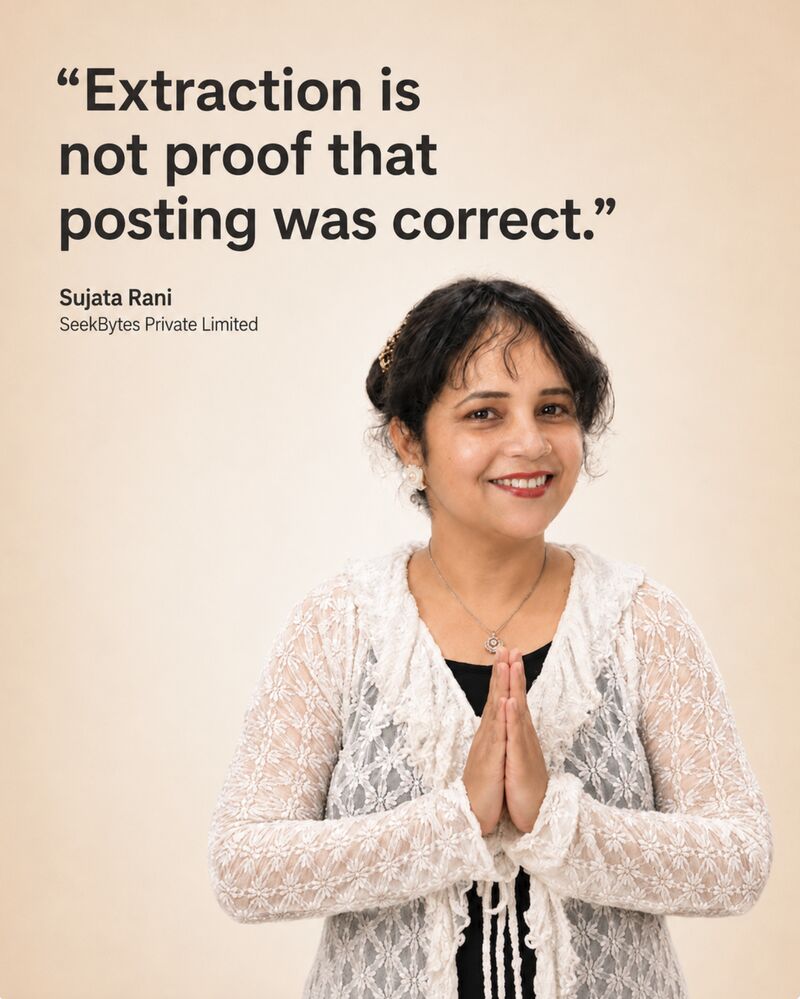 Extracting data and completing an action are different claims. Each needs its own evidence, connected to the procedure the team approved.
An AP lead starts the morning with an OCR queue full of supplier invoices.
Click to read more (opens in a new tab)
Extracting data and completing an action are different claims. Each needs its own evidence, connected to the procedure the team approved.
An AP lead starts the morning with an OCR queue full of supplier invoices.
Click to read more (opens in a new tab)
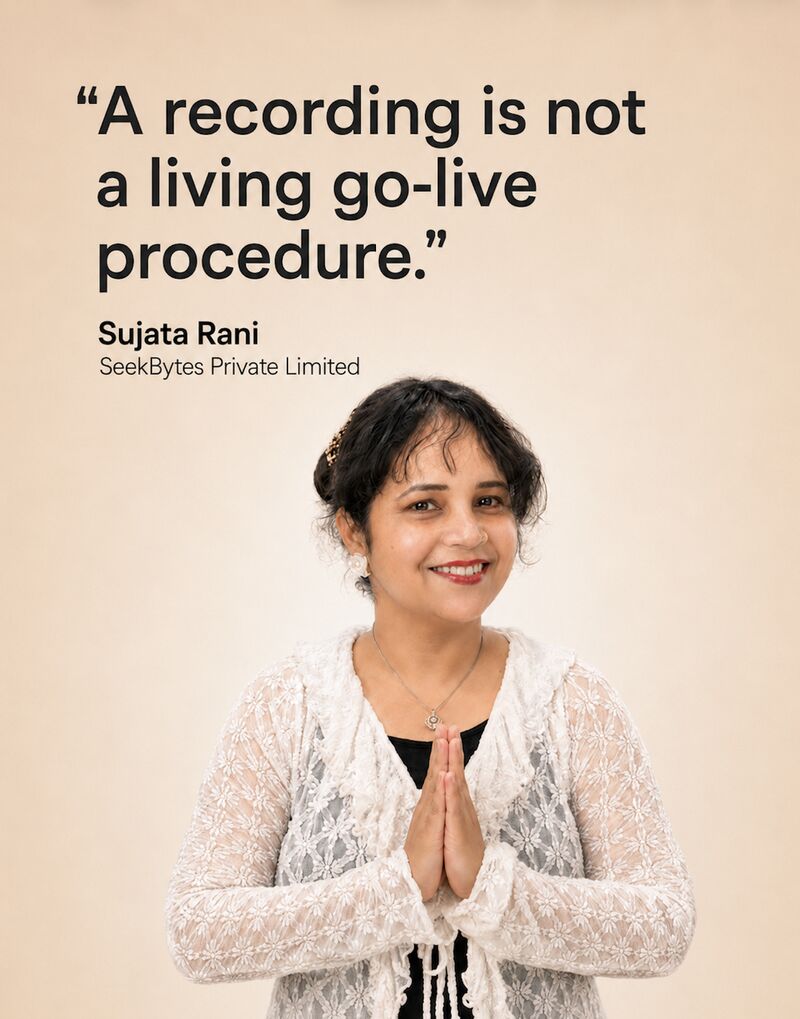 Training is not complete when the recording ends. It is complete when the real workflow becomes an owned procedure that teams can review, update, and reuse.
Two weeks before an ERP go-live, the PMO has a shared drive full of screen recordings.
Click to read more (opens in a new tab)
Training is not complete when the recording ends. It is complete when the real workflow becomes an owned procedure that teams can review, update, and reuse.
Two weeks before an ERP go-live, the PMO has a shared drive full of screen recordings.
Click to read more (opens in a new tab)
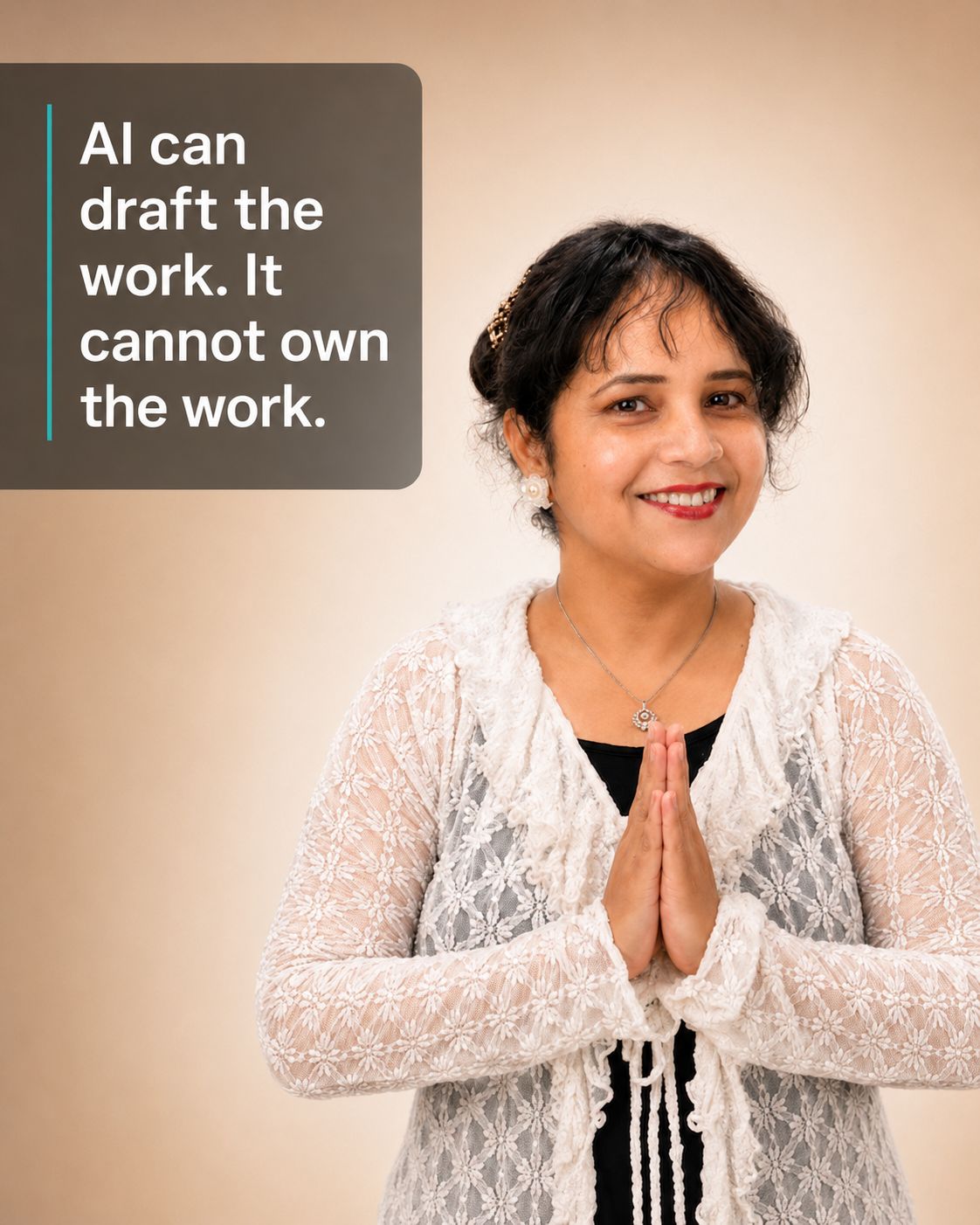 Using AI is not the problem. Un-reviewed AI output is just output.
Someone uses AI to write a status update or a procedure, and nobody reviews the output before it is treated as the record.
Click to read more (opens in a new tab)
Using AI is not the problem. Un-reviewed AI output is just output.
Someone uses AI to write a status update or a procedure, and nobody reviews the output before it is treated as the record.
Click to read more (opens in a new tab)
 This is a production Skill Engine, not a prompt on a video.
In production, and teams also use the same live engine to evaluate it.
The engine is in production. Not a lab demo. Not a prompt on a recording.
Click here to know more~60
About 60 people have access to the live Skill Engine today. These are operator accounts, not paying customers.
First line of code: December 2024. Company formed: 2026. Built AI-native from day one — not assembled in five months.
IT, finance, construction, healthcare — we set the vocabulary, the rules, and what “done” means. Your screens and button names are not hardcoded into the engine.
 Solutions for modern operations
Pick the path closest to your team. Each leads to a deeper overview of how SeekBytes is applied.
See applied mornings in Knowledge Base → Solutions.
 CUSTOMER VOICES
Teams we have sat with, in their own workThese are named evaluations from companies we are already in conversation with — not production customer logos.
A lot of what we know still lives with the engineer who did the job. After going through SeekBytes, the part that stuck was this: a walkthrough does not have to stay a video. It can become a procedure the next person can actually sit with.
On a process line, two shifts writing the same step two different ways is not a small thing. We are looking at SeekBytes because we want that knowledge in one place people can follow — not in someone’s notebook, and not in five slightly different Word files.
Our people are on sites, not at a desk. The useful stuff is in the clips and photos they send back. What we liked is that SeekBytes starts there — instead of asking us to write the procedure first and then go find the evidence.
See what your operational recordings can become.
Book an executive walkthrough Operational dashboards for processing visibility and traceability
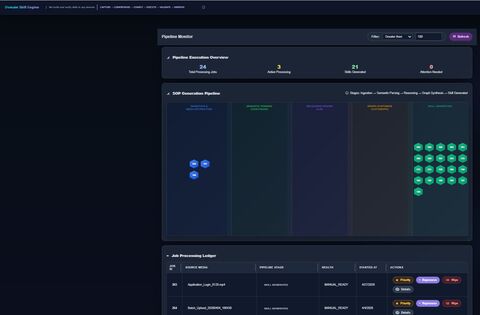
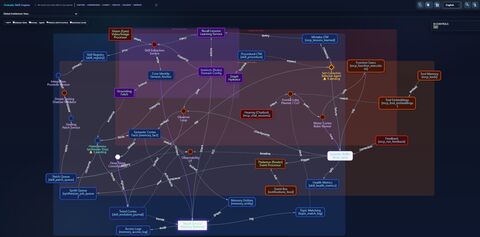
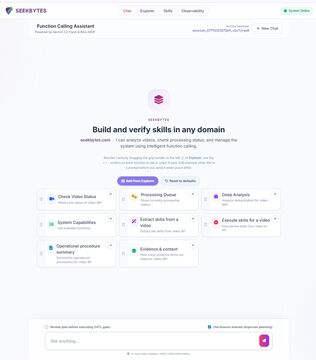
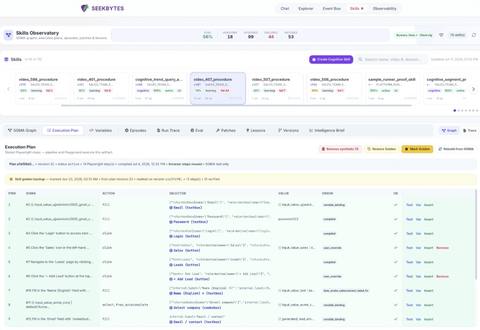
Operations and IT teams use SeekBytes for live pipeline visibility, audit-ready activity trails, admin controls, Skills Observatory, and more. Click any screenshot for a full-resolution view.
 From recordings to reusable operational knowledge
Your teams already record how work gets done. SeekBytes turns those recordings into documentation people can reuse, leadership can review, and enterprise teams can govern.
 Greenfield, brownfield, and floor evidence — one platform
Most enterprise documentation already exists somewhere. SeekBytes ingests every source into the same governed Skill, so nothing is left behind.
 Domain-aware by design
The same Skill Engine, configured for how your industry talks and what “done” means.
Example: “EC2” resolves to Elastic Compute Cloud in IT Operations, and stays as Entry Course 2 in a training catalog. Domain context prevents the collateral damage that comes from blind, global text replacement.
 The same Skill Engine runs every Domain. We configure how your industry talks and what “done” means. We do not ship a custom-coded robot for each customer’s screens. Customer screens and button names are not hardcoded into the engine.
 Governed AI compliance teams can trust
A reviewer writes the rule in plain English. After it is approved, it runs the same way every time, with a reviewable diff before any document is downloaded.
Every rule is versioned and gated by an explicit production-approval consent step before it ships against new documents. Roll back any time — without a migration.
 What’s also in the box
Capabilities operators use every day — proof, languages, and control — not a catalog of internals.
 Why leaders move forward with SeekBytes
Built for teams that need to deploy, govern, and improve operational knowledge at enterprise scale.
 How we differ from the obvious alternatives
Same problem, different shape of solution. A factual side-by-side — the categories your team is most likely already evaluating.
| Capability | Browser-action recorders | Generic AI Studio | DIY LLM scripts | OpenClaw-class personal agents | SeekBytes |
|---|---|---|---|---|---|
| What you can feed in | Browser sessions only | Single video / image | Whatever you script | Chat + local files + live session | Video, PDF / Word, screenshots, mobile clips → Skills |
| What you get out | Replayable click path | Prompt / project output | Ad-hoc script result | Chat-driven tool use | Governed manuals + executable Skills from the same evidence |
| Is this a chatbot wrapping a recording? | Replay of clicks | Usually yes | Usually yes | Usually yes | No. The same evidence becomes a governed procedure and a Skill you can run, with independent proof of what the screen showed. |
| Proof work actually finished | Replay assumption | Chat claim | DIY asserts | Model/tool “success” | Agent Proof — expected vs observed, audit-ready |
| Legacy SOPs already on the shelf | No | Paste one file at a time | DIY parsing | Not the focus | Bulk PDF / Word into living Skills — no re-recording |
| Where it can run | SaaS | SaaS | Your infra | Local / personal gateway | Cloud, VPC, or on-prem |
| Best fit | Quick UI macros | Creative / prototyping | Engineers with time | Individuals wanting chat autonomy | Ops / IT / compliance needing audit-ready docs and Skills that run |
We’re describing capabilities the way they ship today. If you’re evaluating a specific tool by name, talk to us — we’ll send a side-by-side that maps to your actual workflow.
 Pricing & plans
Creating an operational manual manually costs $500–$2,000 and several hours of engineering time. SeekBytes reduces that to minutes. Need something custom? Talk to sales. Or choose your deployment plan.
The closed-loop autonomous operational intelligence platform
 Starter
Governed manuals from media
Extra usage: $0.25 / minute
Get Started
BusinessSkill Engine for teams
Extra usage: $0.15 / minute
Get Started
EnterprisePrivate Skill Engine
Overage: talk to sales
Talk to salesSame Domain Skill Engine product — bring your own LLM provider API key and credentials.
Optional metered relay add-on: $0.12/verification check, $0.30/digital media minute.
On-Premise / EnterpriseTalk to sales for a scoped quote.
BYOK and On-Premise plans are billed annually.
Windows desktop app for video, chat, and local Playwright automation
The agent executes. SeekBytes proves it.
Agent Proof – StandardSpeed + privacy-default · best for builders / CI
Agent Proof – PremiumHigher assurance · optional evidence retention for audit
Agent Verification Engine Usage PricingEstimate monthly usage cost (default: evidence is deleted after the proof report is generated).
Base plan
Monthly subscription
 Request overage
0 requests over quota
 Evidence minutes overage
0 min over quota
Estimated Total
Per month at selected usage
Minimum charge: $0.25 per billable request
Evidence handling (default): We delete evidence automatically after the proof report is generated. Optional retention is available for teams that require audit storage.
SeekBytes has signed the Cloud Security Alliance AI Trustworthy Pledge. We are preparing our AI security self-assessment for submission to the CSA STAR Registry.
Trust and security Ready to evaluate SeekBytes?
Bring two or three representative recordings — we’ll show how they become governed SOPs and reusable operational knowledge for your teams.
Cloud, VPC, or on-prem · Configurable retention · Reviewable activity trail